




Description
One Hour Extension AI
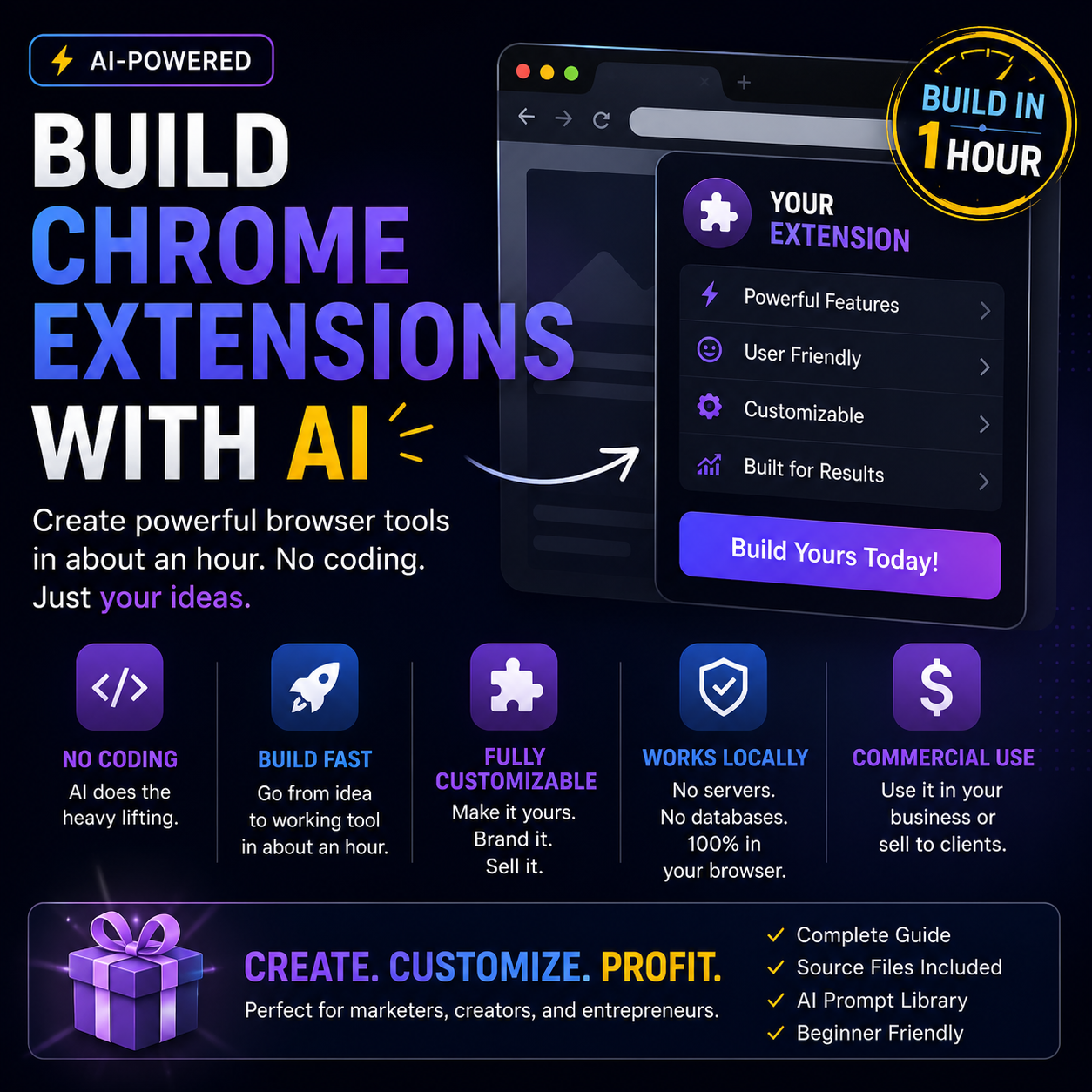
One Hour Extension AI shows you how to build your own custom Chrome extension using AI, even if you have no coding experience.
Instead of hiring developers, learning complex code, or spending weeks trying to figure out software, this guide walks you through a simple AI-assisted process for creating a real browser tool that works directly inside Chrome.
You’ll learn how to use AI to plan, generate, install, test, improve, and customize your own Chrome extension from scratch.
What You’ll Learn
How to build a Chrome extension with no coding knowledge
How to use AI to create the full extension files for you
How to write a clear prompt that tells AI exactly what to build
How Chrome extensions work at a simple beginner level
How to create and organize the required extension files
How to load your extension into Chrome using Developer Mode
How to test your extension inside your own browser
How to save text, images, links, notes, ideas, and research from webpages
How to create a useful swipe vault, research tool, note saver, or niche-specific browser assistant
How to fix common errors by asking AI to debug the files
How to improve the interface and make your extension look more polished
How to adapt one extension idea into many different business, marketing, content, SEO, ecommerce, productivity, or AI tools
How to keep the extension simple, local, private, and free to run
Inside The Training
The core example shows how to create an AI Swipe Vault, a Chrome extension that lets you save useful marketing examples from any webpage.
You’ll learn how to build a tool that can save highlighted text, images, page titles, URLs, dates, categories, and notes directly inside your browser.
The process covers the full build from idea to working extension, including the exact files commonly used in a simple Chrome extension:
manifest.json — the file that tells Chrome what the extension is
background.js — the background logic that handles browser actions
popup.html — the structure of the extension popup
popup.js — the logic for search, save, copy, delete, and filters
styles.css — the visual design and layout
You’ll Also Discover
How to come up with profitable extension ideas
How to spot browser tasks that could become simple tools
How to build extensions for marketers, creators, coaches, ecommerce sellers, local businesses, students, and AI users
How to use extension ideas as lead magnets, bonuses, internal business tools, or client deliverables
How to create simple tools without APIs, subscriptions, logins, databases, or complicated setup
Includes Extra AI Resources
This package also includes helpful AI prompt resources and extension idea inspiration so you’re not starting from a blank page.
AI prompts for building a new Chrome extension
Prompts for improving an existing extension
Prompts for adding features
Prompts for fixing errors
Prompts for creating icons, landing pages, graphics, and sales copy
100 Chrome extension ideas across marketing, content, business, SEO, ecommerce, social media, productivity, education, AI, and more
Perfect For
Creators who want to build simple tools
Marketers who collect swipes, hooks, ads, pages, and research
Business owners who want custom browser shortcuts
AI users who want practical projects to build
Freelancers who want to create useful tools for clients
Beginners who want to create software without learning to code
Digital product sellers looking for unique bonuses or lead magnets
Why It’s Useful
One Hour Extension AI teaches a simple but powerful skill: how to turn an everyday browser problem into a working Chrome extension using AI.
Once you understand the process, you can build more than just one tool. You can create swipe vaults, research collectors, prompt libraries, competitor trackers, review miners, note savers, content idea vaults, and many other simple browser-based tools.
No coding background required. No complicated software stack. No expensive development team. Just a clear idea, the right AI prompt, and a simple step-by-step process.




Reviews
There are no reviews yet.